
Quick Answer
You can customize your face, skin, hair, and body, then save or load appearance presets. An update allowing appearance changes after creation is being prepared. Its release date, cost, and usage limits have not been announced.
What can you customize during character creation?
You have face and body sliders, detailed coloring options, four voices, and costume previews.
| Option | What you can change |
|---|---|
| Skin | Skin color with finer color adjustment, gloss, texture, age, definition, freckles, freckle opacity, age spots, and blush intensity. |
| Hair | Hairstyles and colors, including optional two-tone coloring. |
| Eyebrows | Shape, color, density, length, thickness, angle, and spacing. |
| Eyelashes and beards | Eyelash shapes and beard styles. |
| Eyes | Eye shape and sliders, separate left and right iris colors, and iris shapes. |
| Nose and mouth | Nose and mouth shapes, with additional sliders. |
| Facial structure | Face shape and cheekbone depth, width, height, and volume. |
| Ears and teeth | Ear position and angle, plus teeth color. |
| Makeup and decoration | Eyeshadow, eyeliner, facial tattoos, and scars. You can move, resize, and rotate facial tattoos. |
| Body | Upper and lower body, muscle definition, head size and width, neck length, buttocks, and shoulders. |
| Voice | Four voice options. |
| Clothing preview | Costume previews and a helmet display toggle. |
| Presets | Starting presets, plus saving and loading your customization settings. |
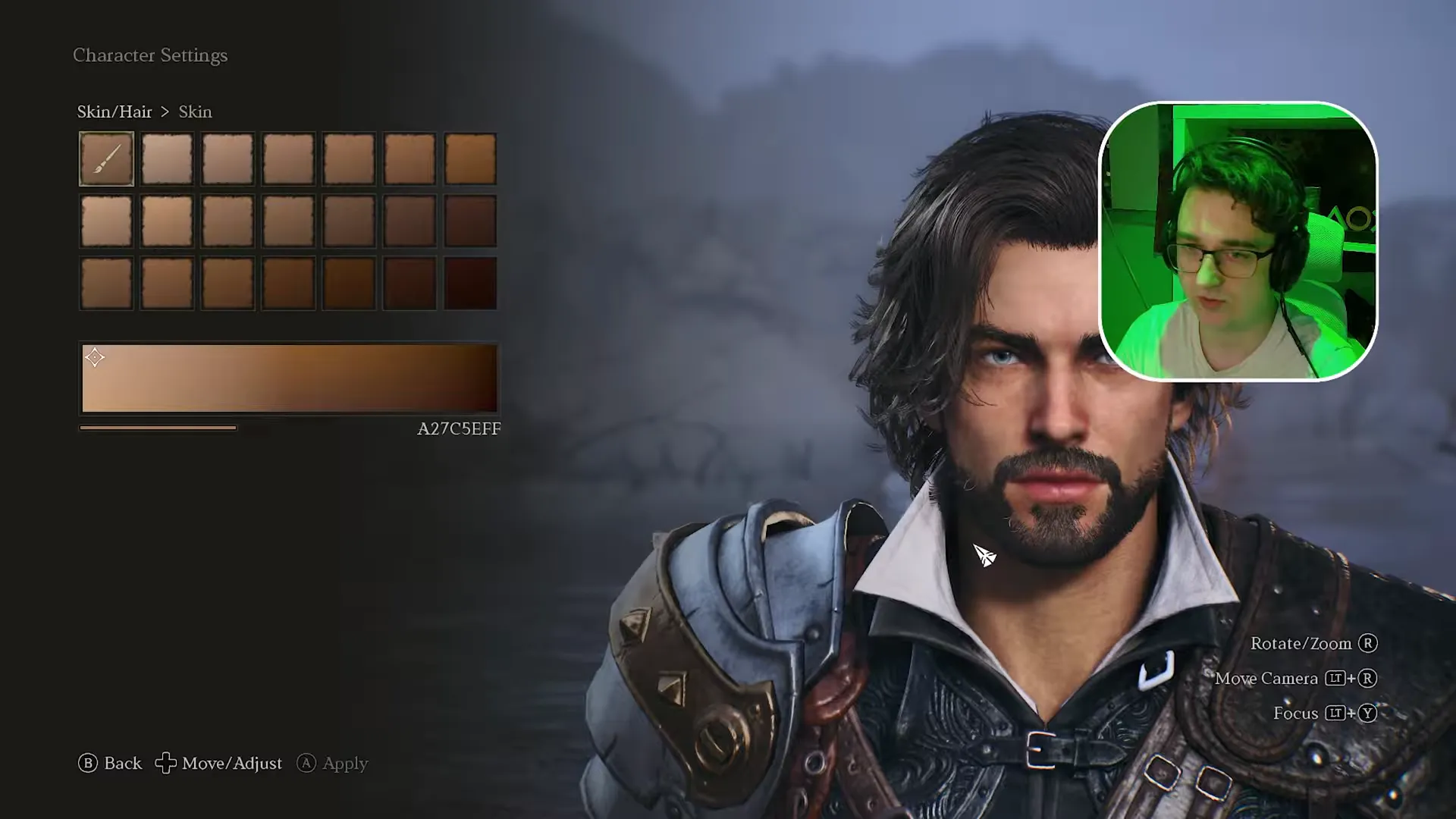
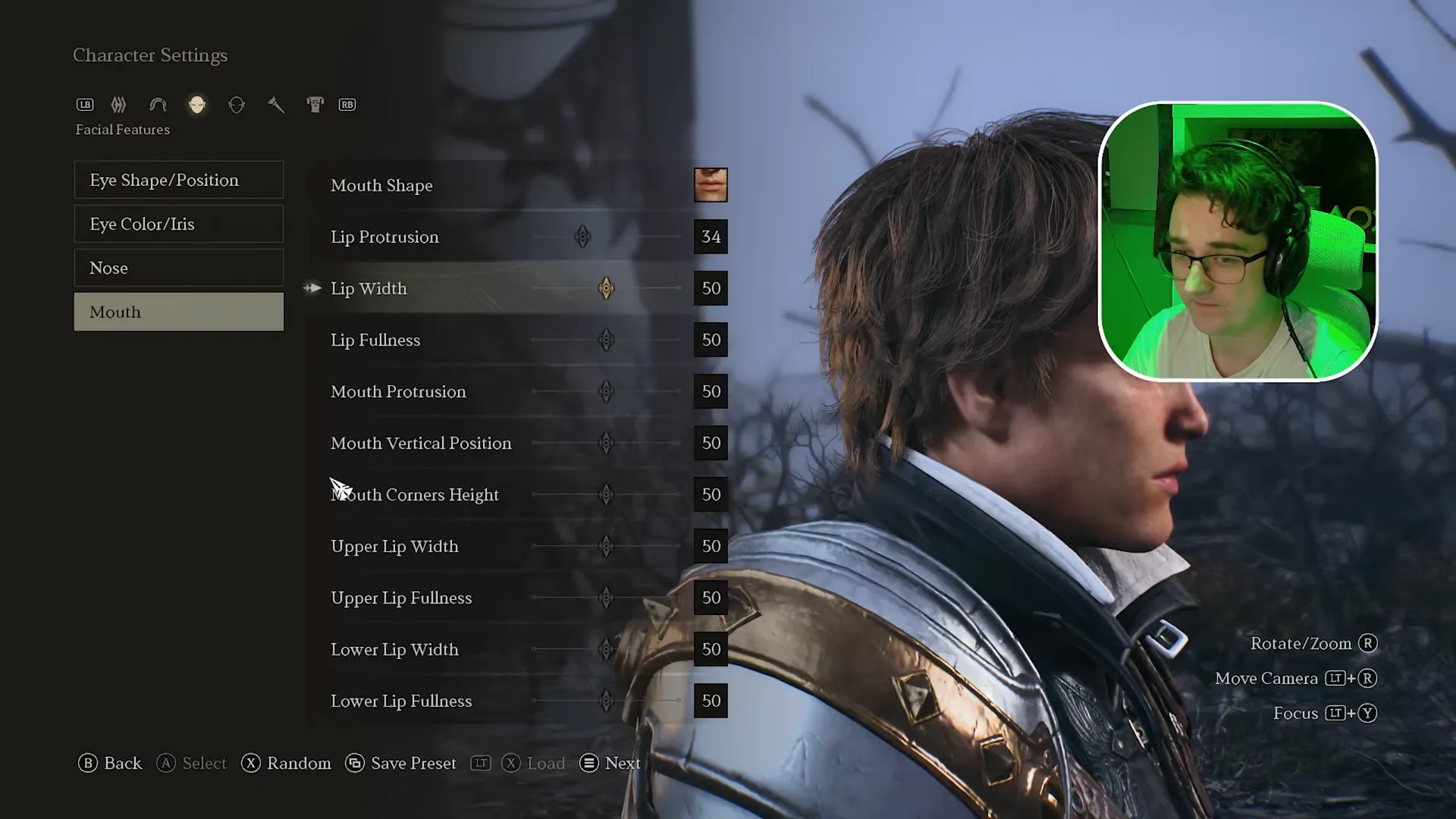
Scars are available; details about repositioning them are still being added. Check which classes are gender locked before planning your character's appearance.
Can you change your appearance after character creation?
An update for changing your appearance after creation is being prepared; its availability date has not been announced.
You should finish your starting look without relying on that future update. Pricing, usage limits, name changes, and gender or race change rules are still being added.
A saved preset does not let you reopen the appearance editor for an existing character. If you are still choosing, compare the ArcheAge Chronicles classes and weapons before committing.
Can you save and load your character's appearance?
Yes, you can save your customization settings as a preset and load them again in character creation.
Save your look if you want to return to those settings. At the end, you name your character; names allow up to 16 characters.
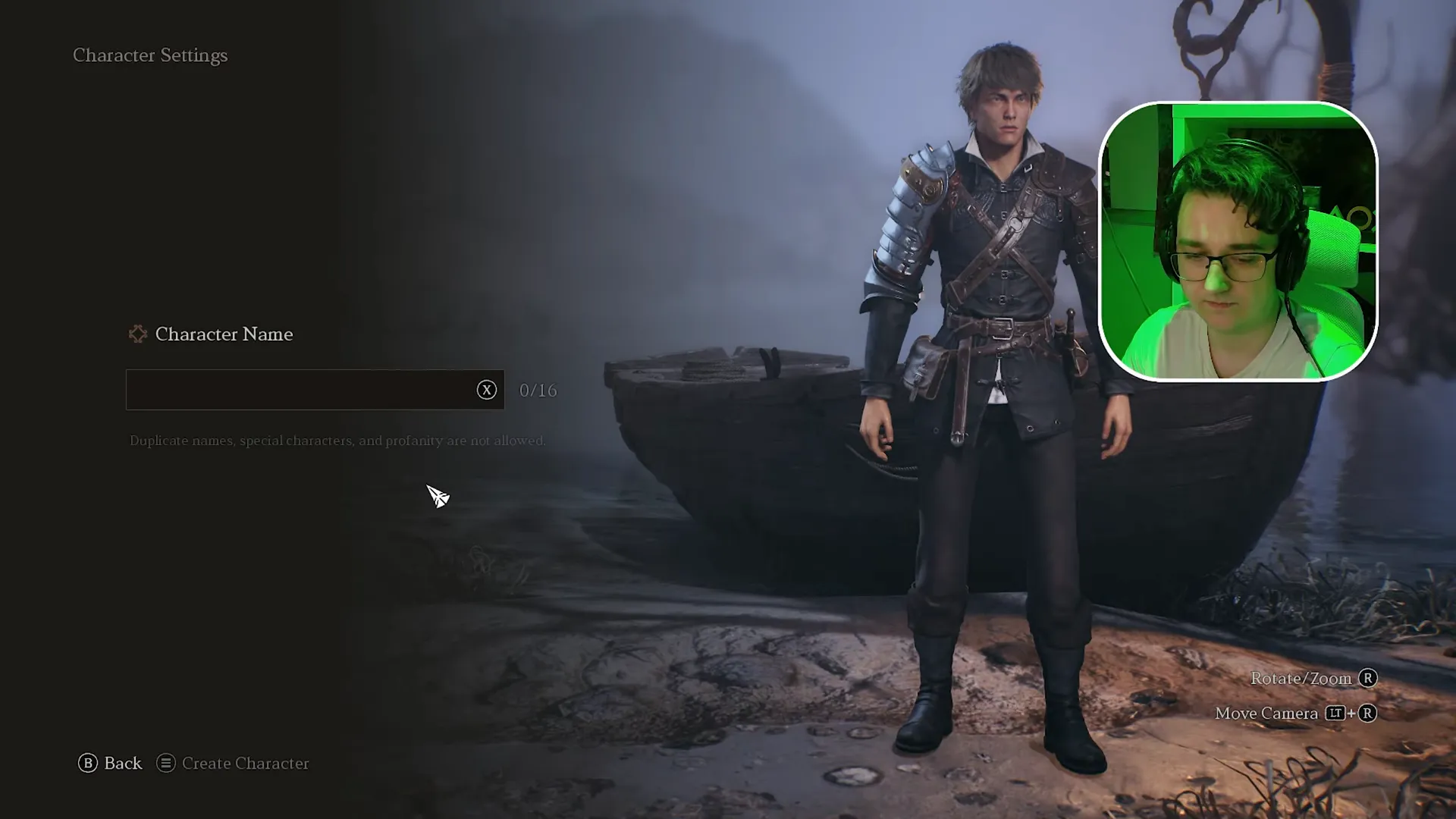
Keep that feature separate from the planned update for editing an existing character.
What if an option does not change the preview?
Character creation has had preview bugs where selected options failed to display correctly.
Eye and eyelash selections have failed to update visibly. A character has also looked different after entering the game. Not every player hits these bugs.
Exiting character creation, discarding changes, and returning has restored previews in a recorded walkthrough. Discarding changes can mean redoing your customization, so save your preset before considering that workaround.
For body adjustments, you can temporarily remove the costume through the costume options, then restore it afterward. Once your look is ready, use the best class comparison if you still need a fighting style.
FAQ
You can save appearance presets now; editing an existing character is the subject of a planned update.
Yes. You can adjust upper and lower body proportions, muscle definition, head dimensions, neck length, buttocks, and shoulders.
Yes. You can set different iris colors for the left and right eyes.
Yes. You can save customization settings and load the preset again in character creation.
You can choose from four voices.
An update enabling appearance changes after creation is being prepared. Its release date, price, and usage limits have not been announced.